 luboslenco
13 lines
1.1 KiB
Markdown
13 lines
1.1 KiB
Markdown
|
|
|
|
armorpaint
|
|
==============
|
|
|
|
[armorpaint.org](https://armorpaint.org) - [Manual](https://armorpaint.org/manual/) - [Forums](http://forums.armory3d.org/c/armorpaint)
|
|
|
|
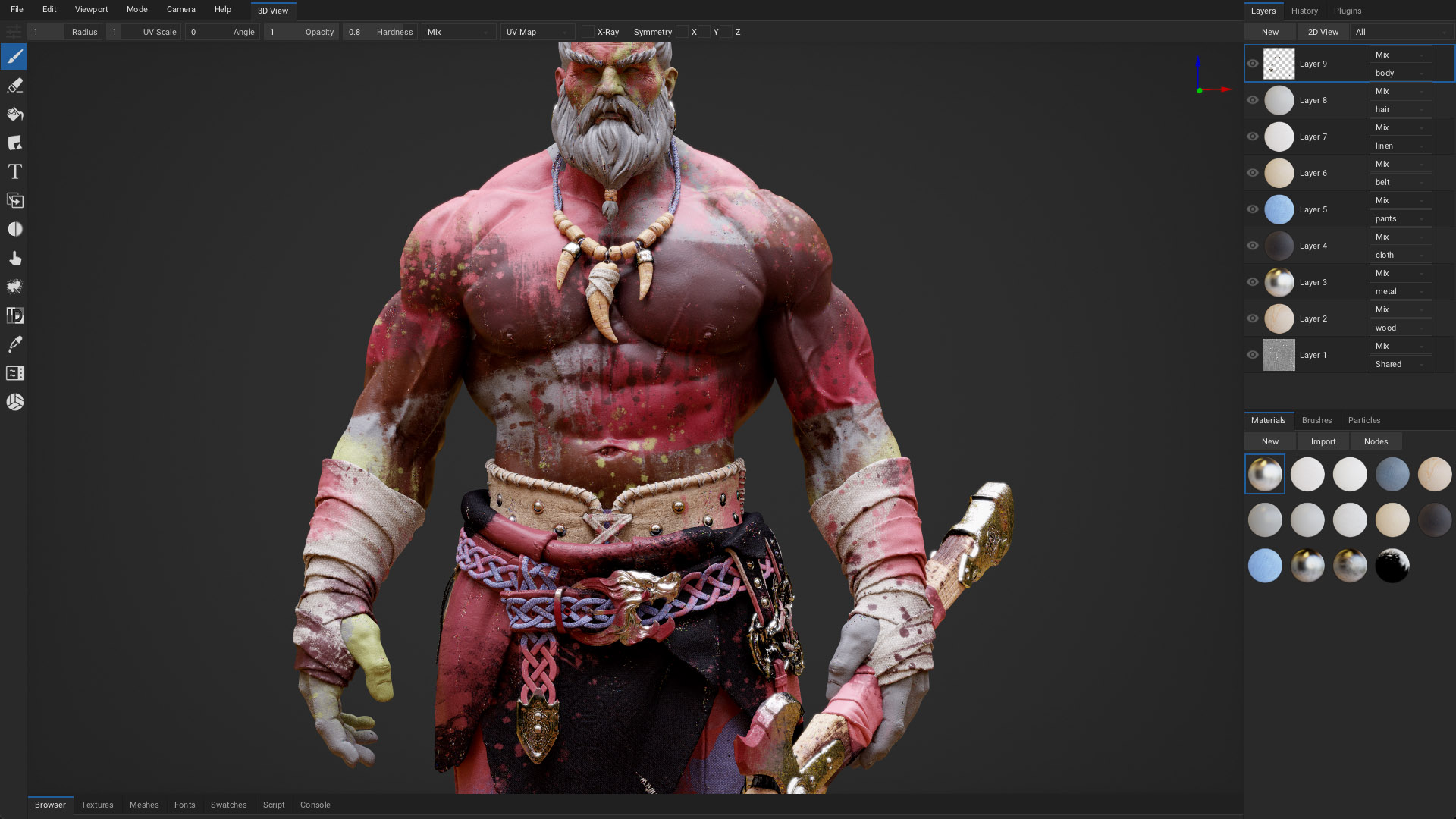
ArmorPaint is a software for 3D PBR texture painting. Powered by [Armory](http://armory3d.org).
|
|
|
|
*Note: This repository is aimed at developers and may not be stable. Distributed binaries are currently [paid](https://armorpaint.org/download) to help with the project funding. All of the development is happening here in order to make it accessible to everyone. Thank you for support!*
|
|
|
|
*Note: If you are compiling git version of ArmorPaint, then you need to [download Armory](https://armory3d.org/download.html) and update it to the latest [git version](https://armory3d.org/manual/#/dev/gitversion?id=armory-updater). Afterwards, clone this repository using `git clone https://github.com/armory3d/armorpaint` and open the `armorpaint.blend` file in Armory. On Windows, set `Blender Preferences - Add-ons - Armory - Player Graphics API` to `OpenGL`. Press `Armory Player - Play` (F5) to run.*
|